YOUR IPHONE. YOUR MAC. YOUR WORDS.
Think it.
Say it.
Send it.
Speak on your iPhone. Send your words straight to your Mac. A simple way to get a thought out of your head and into whatever you’re working on.
English dictation · iPhone + Apple-silicon Mac
THE SHORT VERSION
One thought.
From phone to Mac.
Keep your eyes on your work.
Let your voice do the typing.
- 01
Pair once.
Choose “Pair Phone” in the Mac menu bar. Unlock scanning with Face ID, then scan its QR code on your iPhone.
- 02
Talk it through.
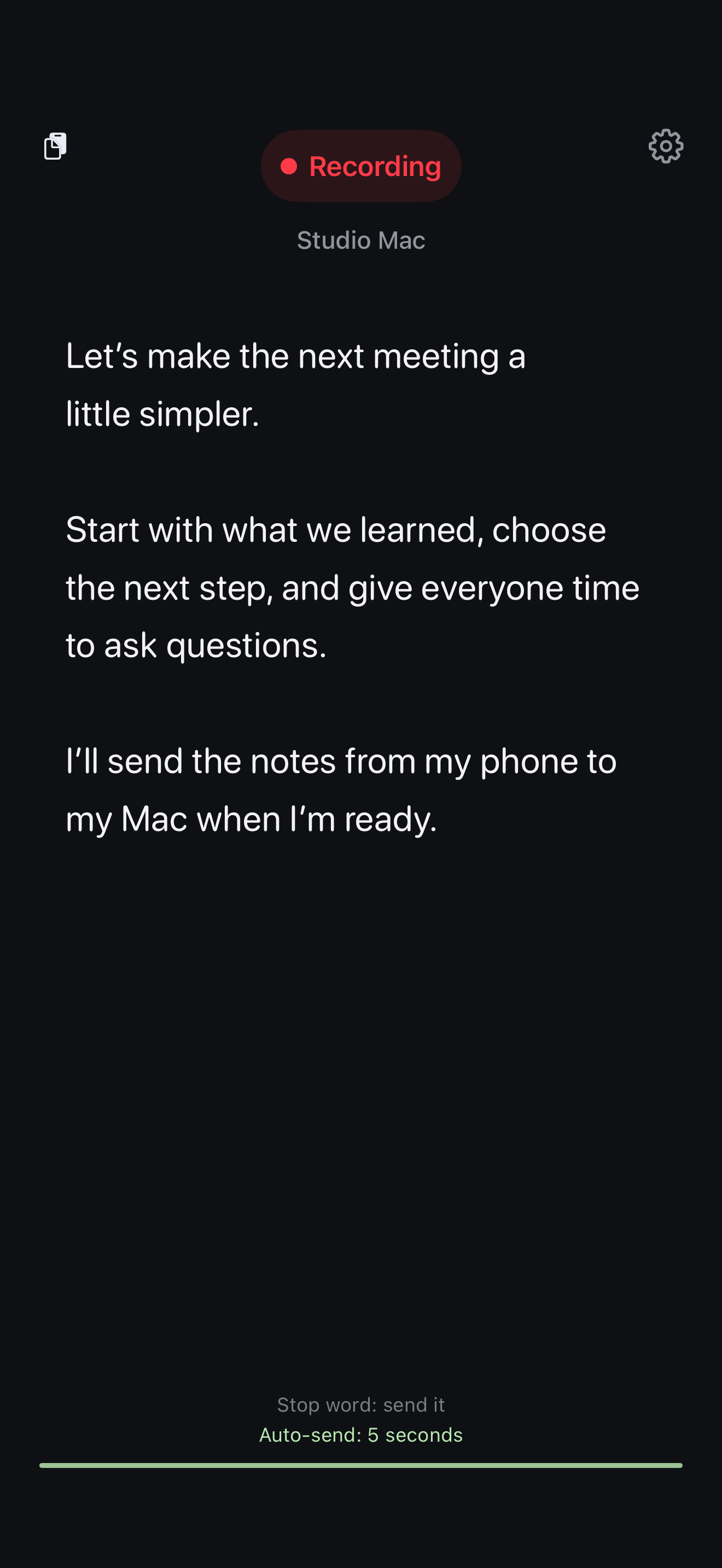
Your words appear on your iPhone as you speak. Take a breath, pause, or keep going. You decide when they’re ready.
- 03
Send your words.
Double-tap the transcript to send it to the selected Mac. Your text is pasted into the field you’re working in.
ROOM TO THINK
Stay in
your flow.
Pause without losing your place.
Tap to pause. Tap again to carry on. Your draft stays right there.
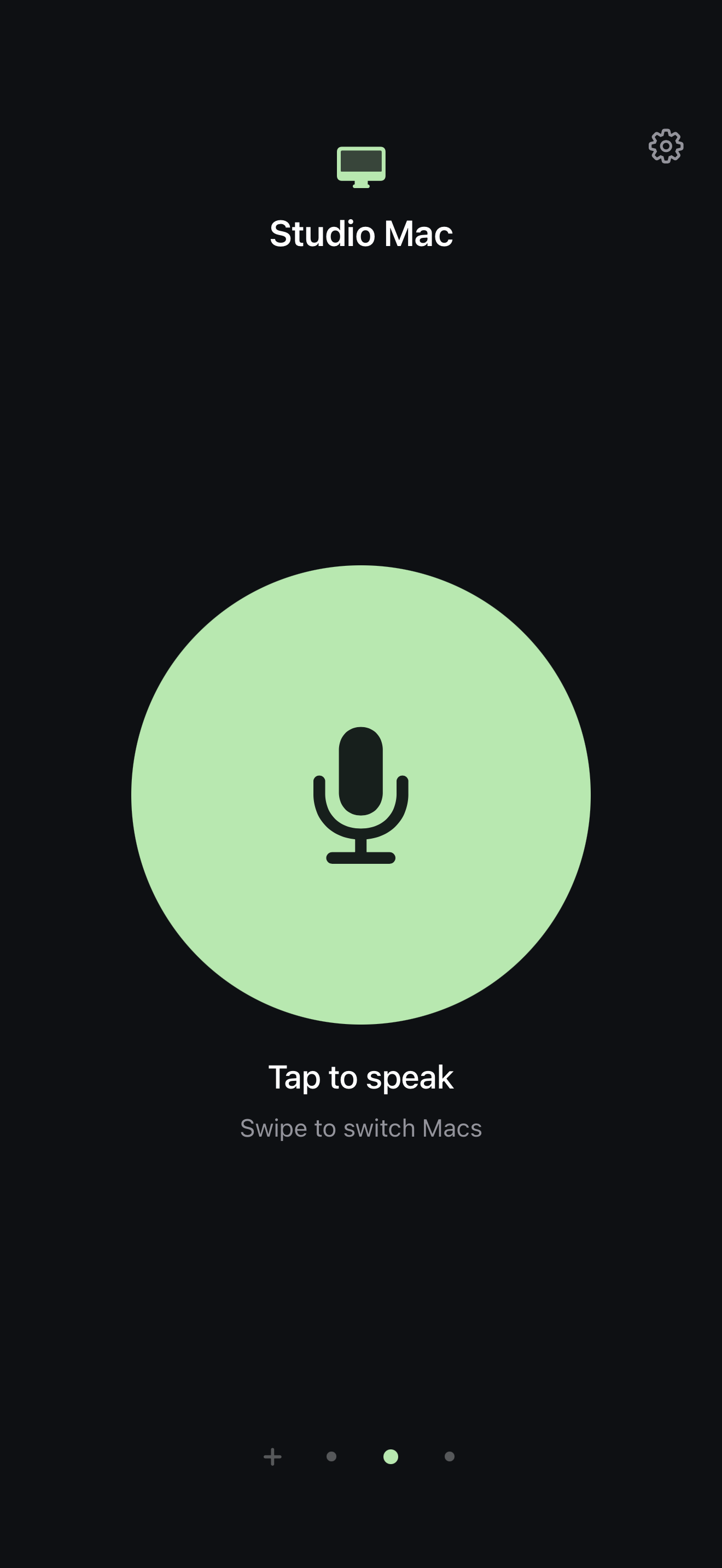
More than one Mac? Swipe.
Move between your paired Macs during a session. Each Mac keeps its own draft while the app stays open.
Send when it feels right.
Double-tap to send, choose a stop phrase, or set a silence timer. You can turn automatic sending off whenever you like.
PERSONAL BY DESIGN
Your voice.
Your devices.
Your iPhone turns speech into text on the device. Only the text you send travels to your Mac, over an encrypted connection on your local network.
No app account. No ads. No saved recordings. Your Mac’s clipboard and the receiving app handle the text once it arrives.
Read the privacy detailsA SMALL APP FOR BIG THOUGHTS
Say what’s
on your mind.
What Do You Say? is getting ready for release on iPhone, with a lightweight companion for your Mac.
Release status & requirements